Perplexity has been on the craze for the past few months due to its most anticipated AI-powered browser, named Comet. Now, the Comet browser is available to all users for free.
If you’re a Perplexity fan and willing to use its AI-powered Comet browser, continue reading the guide.
What is Comet Browser?
Comet is basically a web browser based on Chromium, but it’s fully integrated with Perplexity’s AI features.
Perplexity AI is integrated into the web browser and accessible from any tab. This means you can access the AI from everywhere, ask questions about what you see on the screen.
From managing your emails to booking flights, the Comet browser can do it all for you with its AI capabilities.
Comet is the first truly agentic web browser, meaning it not only lets you talk with its AI assistant, but you can have it interact with your tabs, calendars, emails, and everything you see on the web.
How to Download & Install Comet Browser?
Even though the Comet browser is available for free, if you don’t have the Perplexity Pro plan, you will have only the core functionality, likely with limits.
To make the most out of the browser, you will have to purchase the Perplexity Pro subscription. Comet is now available for Windows (Windows 10 and 11) and macOS (M1 or newer chips).
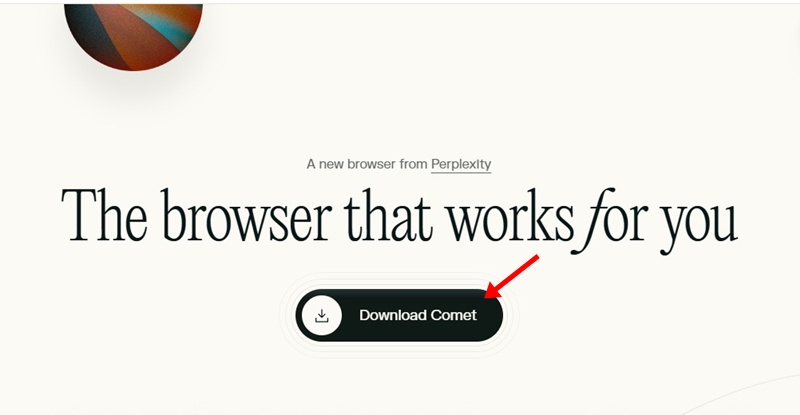
1. Head to this webpage and click on Download Comet.
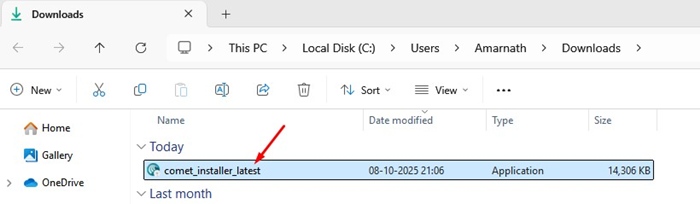
2. Once downloaded, run the comet_installer_latest.exe file.
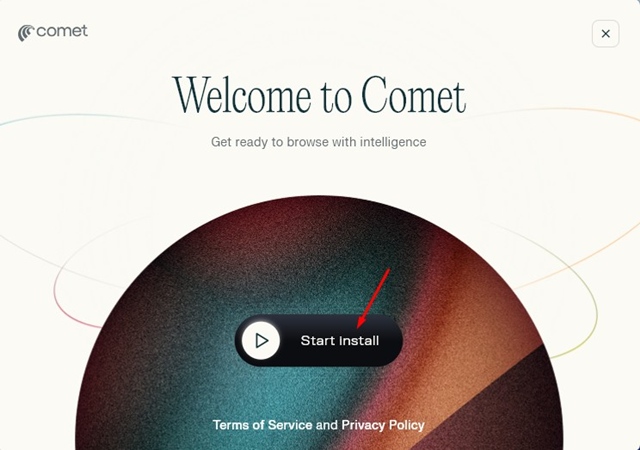
3. On the Welcome screen, click Start Install.
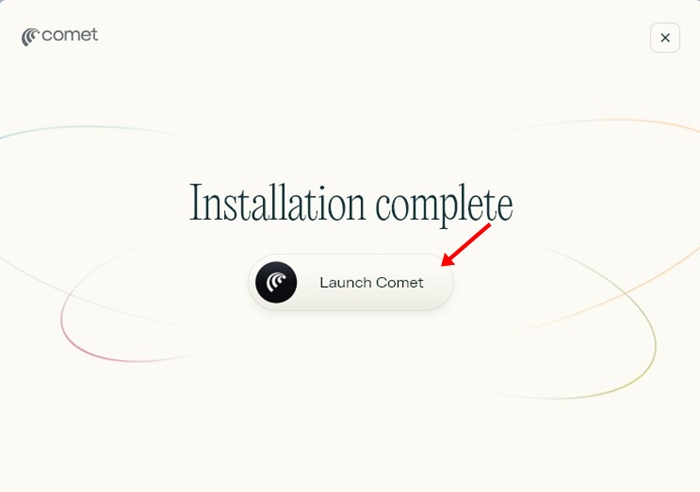
4. Once installed, click Launch Comet.
5. The comet browser will start. You can now continue with your Google account.
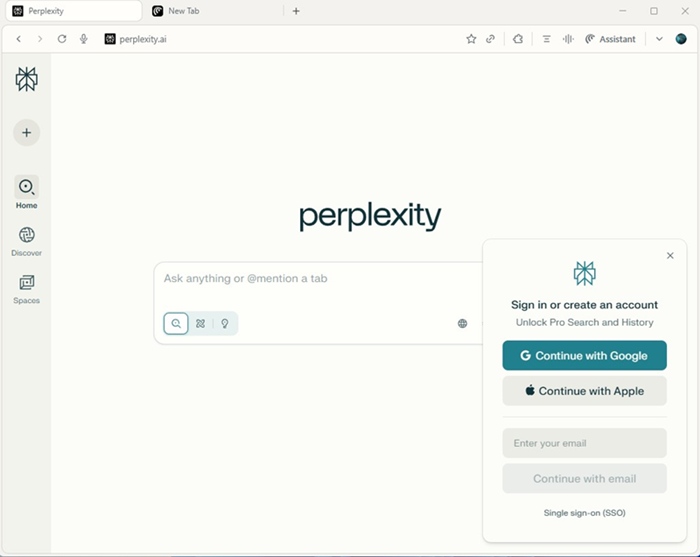
This guide explains how to download & install Comet AI Browser on Windows. If you need more help in downloading the Comet browser, let us know in the comments.