To set up Live Voicemail on your iPhone, you will first need to install the latest version of iOS available. Once updated, follow these steps.
How to Set Up Live Voicemails on iPhone?
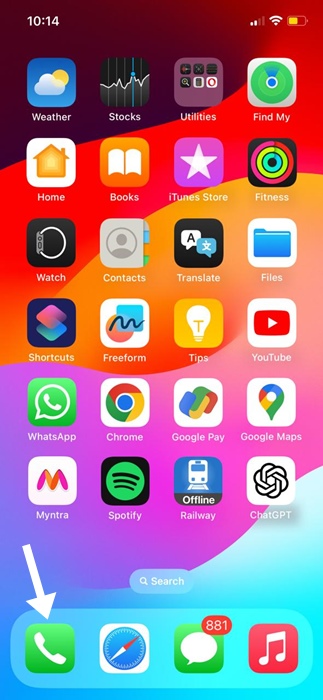
1. Launch the Phone app.
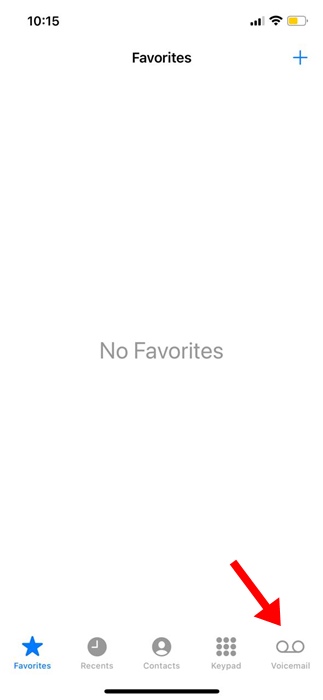
2. Switch to the Voicemail tab.
3. On the Live Voicemail screen, tap Continue.
How to View Live Voicemail Transcripts?
Your iPhone can also convert your voicemail messages into plain text. Here’s what you need to do.
1. Launch the Phone app.
2. Switch to the Voicemail tab.
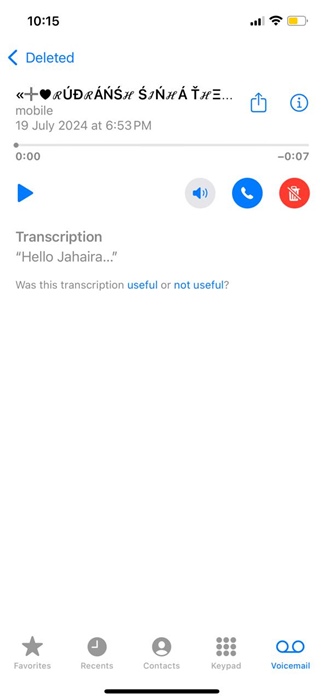
3. Tap on the message whose transcript you want to see.

4. You can either play the audio message or see the transcription.
How to Set a Custom Greeting for Voicemail?
You can even set your outgoing message for Greeting. Here’s how to do it.
1. Launch the Phone app.
2. Switch to the Voicemail tab at the bottom right corner.
3. Tap on Greeting at the top right.
4. Select Custom and tap Record.
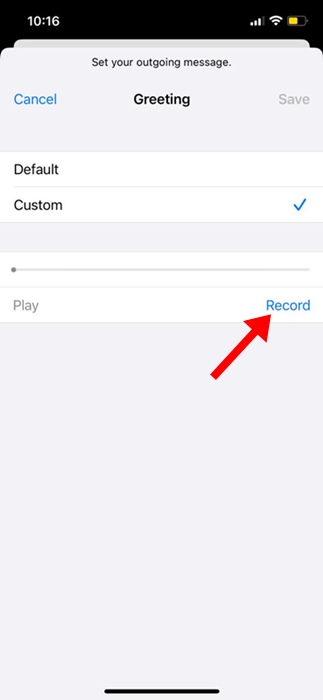
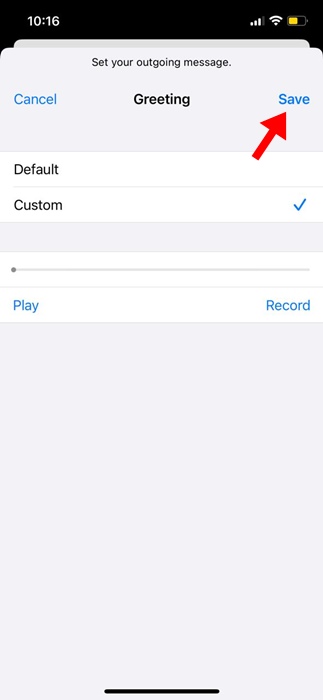
5. Simply record the audio message you want to set. You can also hear your recording by tapping the Play button. If you’re satisfied with the recording, tap Save.
How to Turn off Live Voicemail on iPhone?
If you’re not a fan of Live Voicemail, you can easily turn it off by going to Settings.
1. Launch the Settings app.
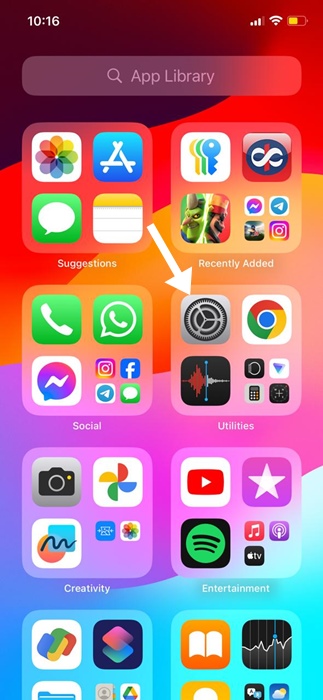
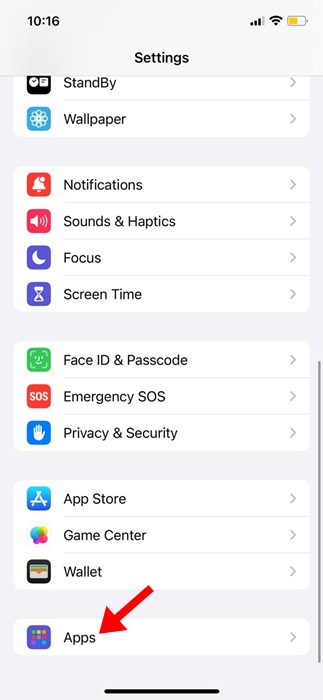
2. Tap Apps.
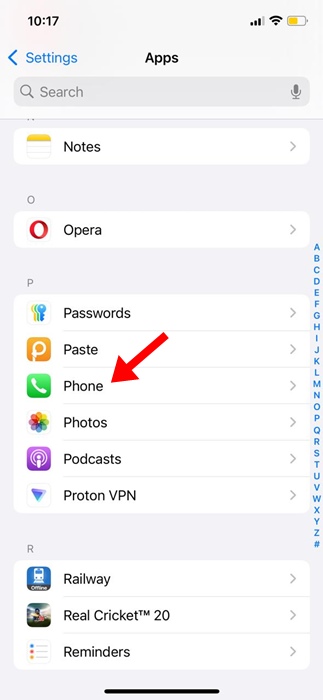
3. Find and tap Phone.
4. Scroll down a bit and tap Live Voicemail.
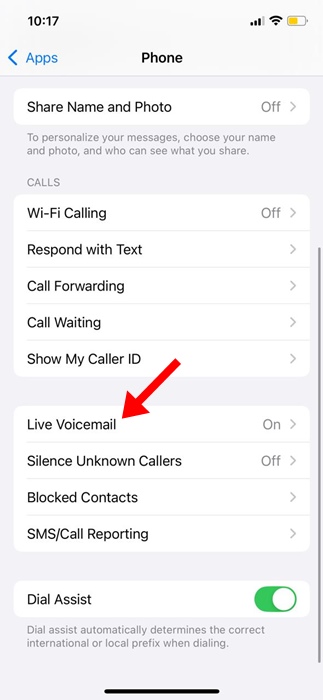
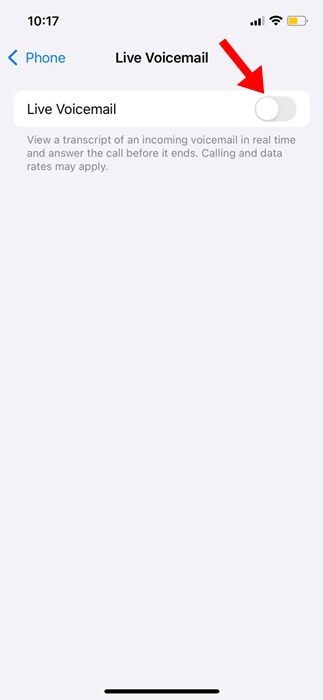
5. Turn off the toggle for Live Voicemail.
This guide explains how to use the Live Voicemail feature of iPhone. If you need more help on this topic, let us know in the comments.