
Previously, you could use Gemini on your computer by opening a web browser like Google Chrome or Microsoft Edge and visiting the Gemini website. However, Google has now launched a dedicated Gemini desktop app, making it easier to access the chatbot directly from your Windows PC.
If you’re interested in trying this new Windows app, keep reading.
Gemini App for Windows
The newly launched Gemini desktop app gives you quick access to Gemini without opening a web browser. It’s designed to work seamlessly alongside your favorite tools and daily apps.
Basically, if you’re a Gemini user, you can use the Windows app now to get instant assistance from the chatbot without breaking your flow.
You can access Gemini instantly on your Windows PC with the Alt + Space shortcut.
Download & Install Gemini App on Windows
It’s super easy to download Gemini for desktop and get started. Follow these simple steps outlined below.
1. Open your favorite web browser and visit this webpage.
2. Click on the Download for Windows button.
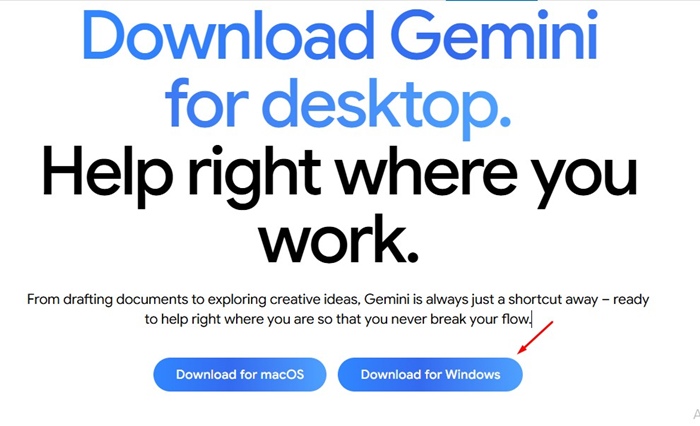
3. GeminiSetup.exe will be downloaded. You need to run the installer.
4. Now wait until the installer downloads & installs the Gemini desktop app on your computer.
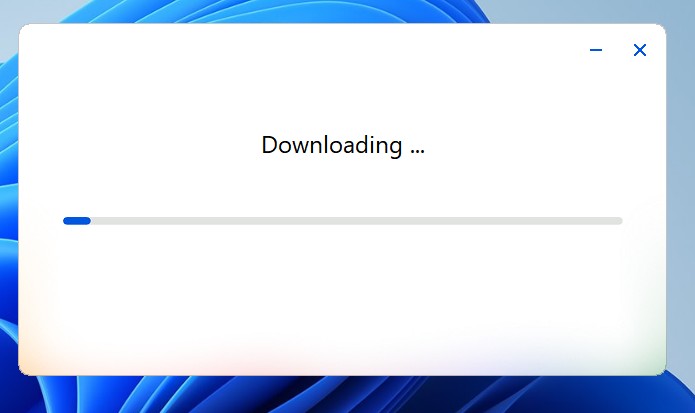
5. Once installed, the app will launch automatically.
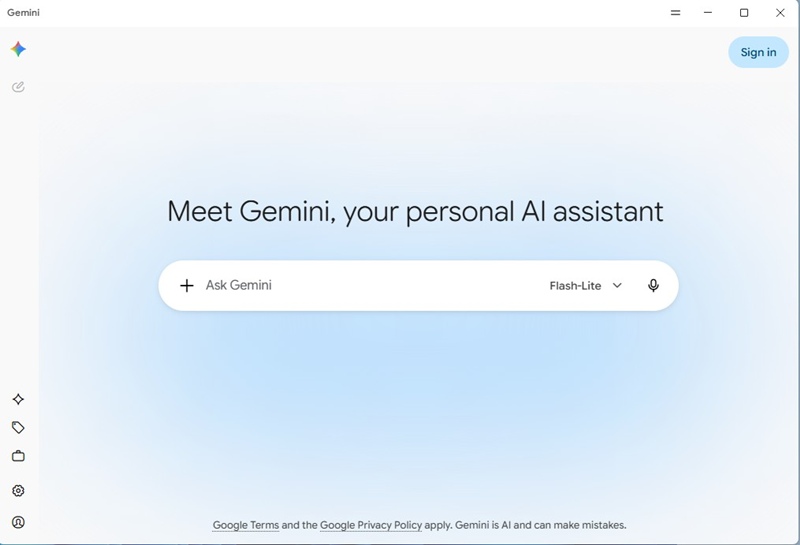
6. Now you can sign in to your Google account and continue interacting with the AI chatbot.
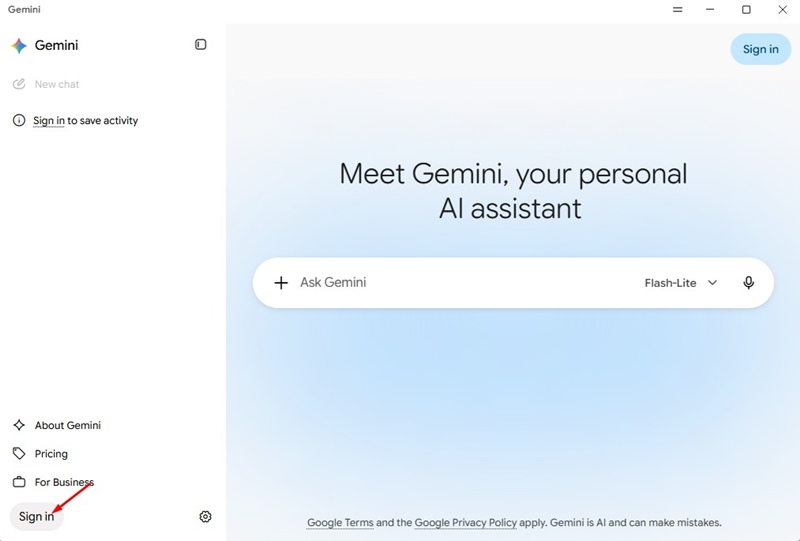
Features of Gemini Desktop App
The new Gemini app for Windows brings all the features that you get on its web version. But for more complex tasks, the application provides an integrated workspace.
Along with that, you can use the desktop app to gather information, create images and videos, etc. Also, you can switch between the AI models.
According to Google, the application is designed to remain lightweight and minimize system resource consumption while running in the background.
This guide explains how to download Gemini for desktop. If you need more help installing the new app on Windows, let us know in the comments.