It’s not a good practice to play an alarm through headphones, as there are increased chances of disrupting sleep patterns and damaging the ear, but if you don’t want to rouse others from sleep, you can consider this option. Android phones lack the function of playing the alarm tones through headphones to prevent health problems, but certain apps can add this feature.
How to Play Alarm through Headphones on Android
Several third-party apps are available on the Google Play Store for this purpose. Here’s what you need to do.
1. Play Alarm through Headphones using the Galarm
Galarm is a free Android app on the list that wakes you up without disturbing other people nearby. The app lets you hear the alarm sound through a headset, earphones, or speaker.
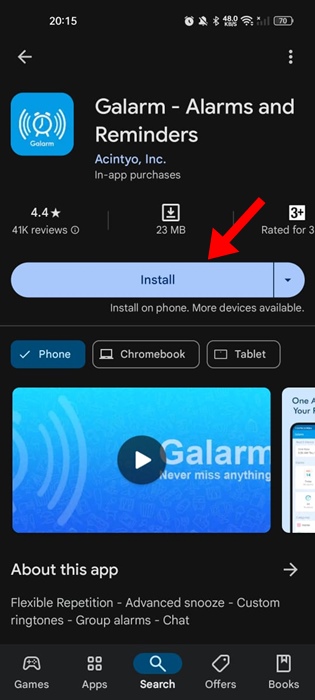
1. Download & install the Galarm app from the Google Play Store.
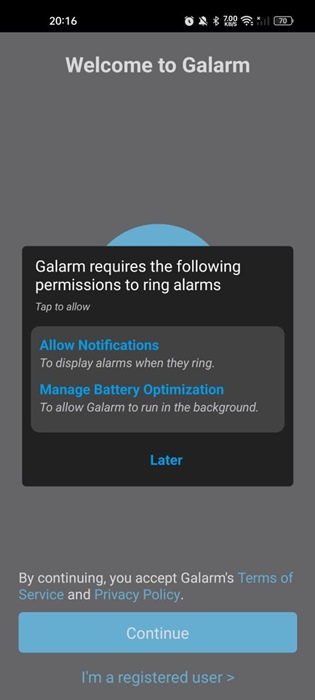
2. Open the app and grant the permissions it requires.
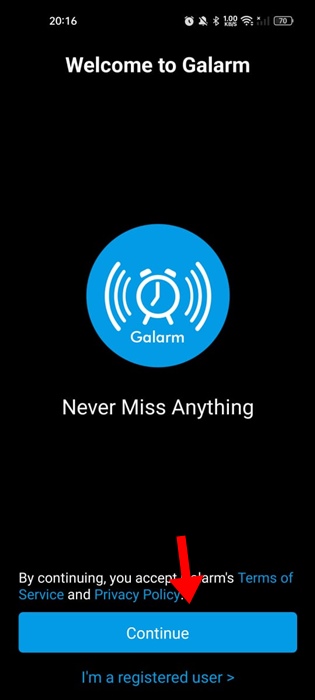
3. Tap the Continue button.
4. You will be asked to assign a name. Enter your name and tap Save.

5. You will now be able to see the main interface of the Galarm app. Switch to the Settings gear icon at the bottom right corner.
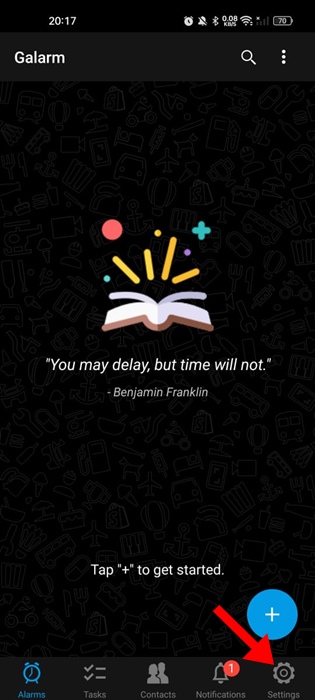
6. Tap on Advanced Settings.
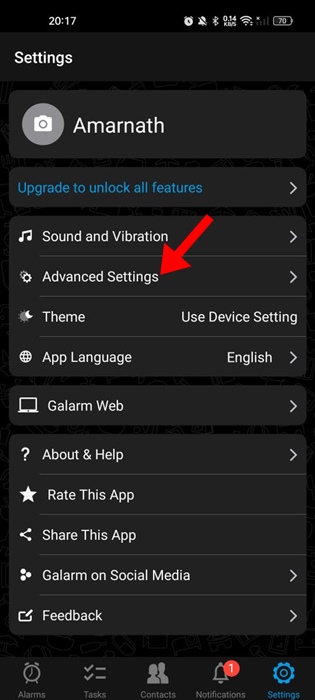
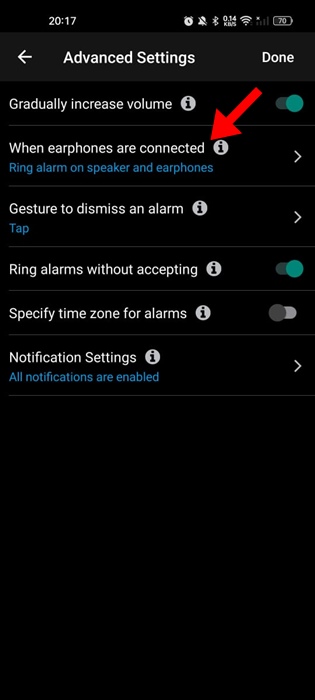
7. Tap on When earphones are connected.
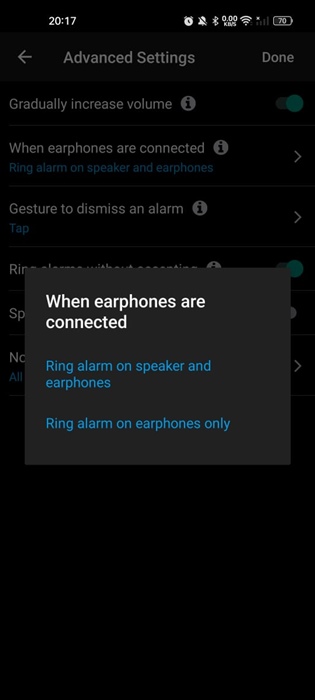
8. Select Ring alarm on earphones only.
9. Move back to the main screen and tap the (+) icon at the bottom right corner.
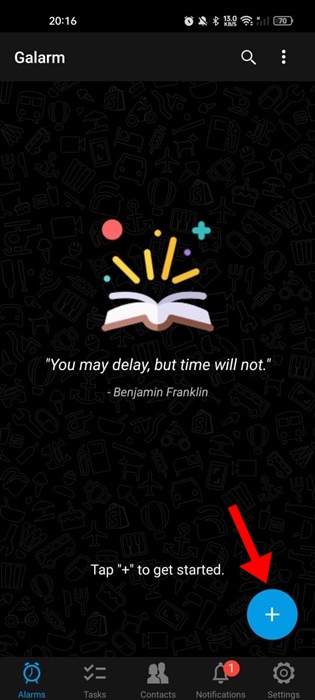
10. Select New Alarm.
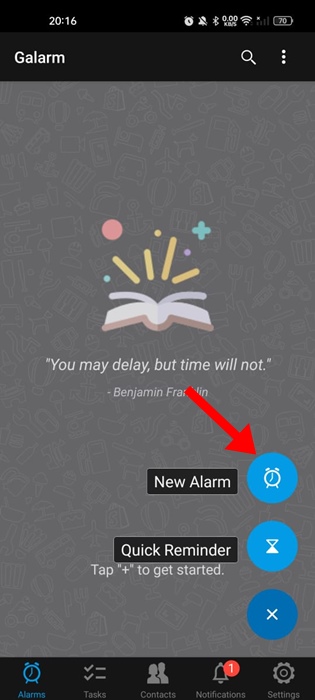
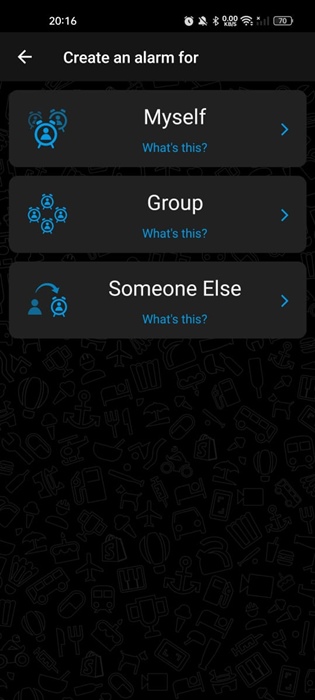
11. Create a new alarm. The alarm song will play on your connected earphones.
2. Play Alarms through headphones using the Earphone Alarm
Earphone Alarm is a lightweight Android app that lets you play the alarm tune on earphones. You need to select the alarm sound from the in-app sounds, music files, or system sounds, and then plug in your headphones.
1. Download & install the Earphone Alarm app from the Google Play Store.
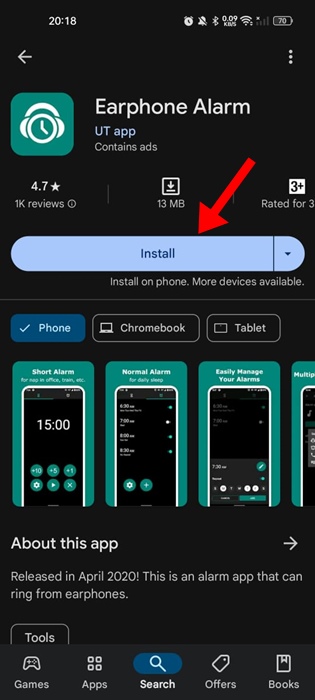
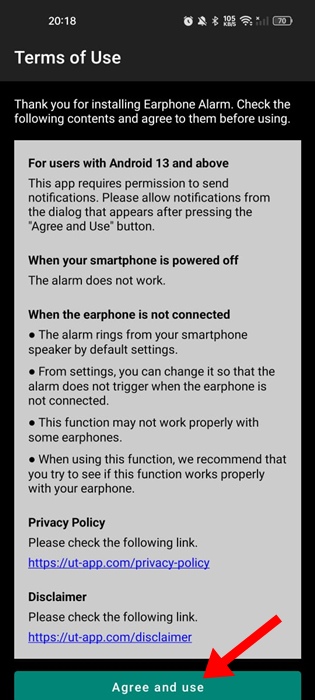
2. Open the app and Agree to the terms and conditions.
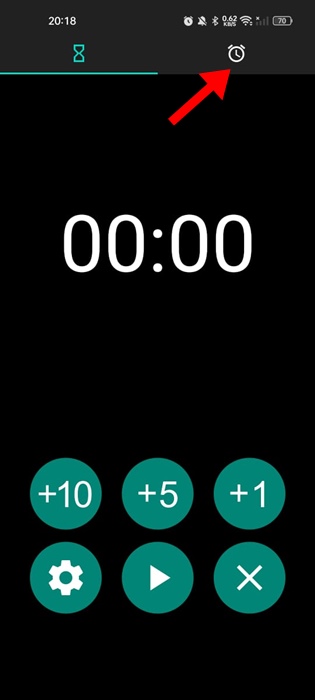
3. Switch to the Alarm tab at the top right corner.
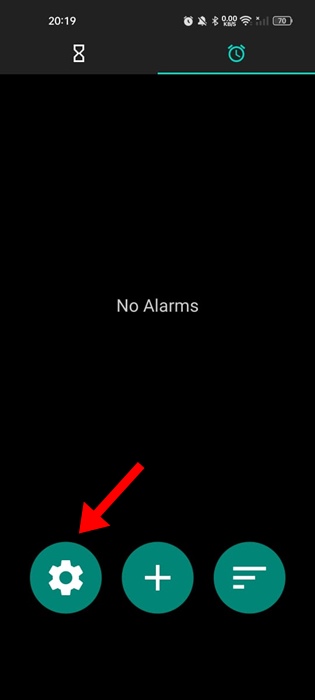
4. Tap the Settings gear icon at the bottom left corner.
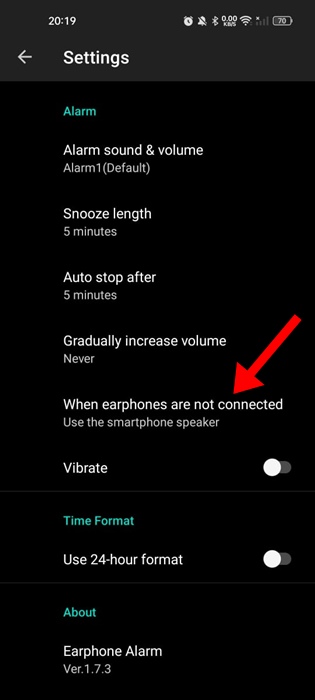
5. Set everything as per your need.
6. Return to the Alarms screen and tap the (+) button at the bottom.
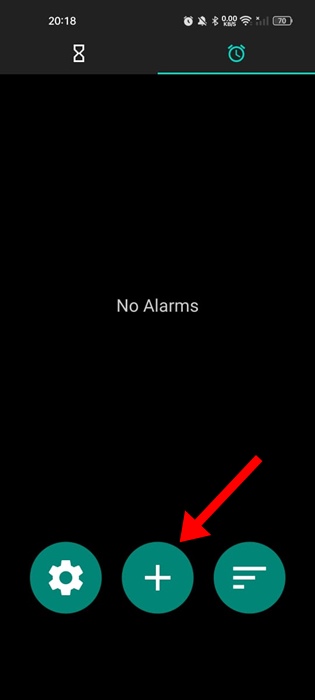
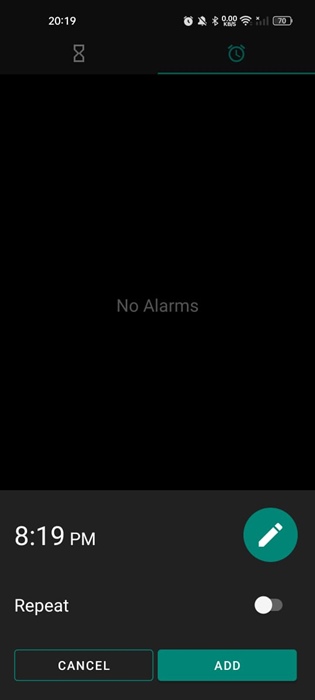
7. Now create a new Alarm and tap on Add.
This guide is about how to play Alarm through headphones on an Android phone. Please note that playing loud sounds over headphones, especially while sleeping, can lead to health issues.