
Manpreet Singh

Manpreet Singh is a young Entrepreneur who is managing Tech Viral & Also an aspiring blogger and Chief Editor for Tech Viral. He is an Experienced Blogger, SEO Expert, Digital Marketer, Certified Web Developer & Social Media Expert.

5 Ways to Disable Automatic Chrome Updates in Windows
Chrome's automatic updates can slow down the internet connection and raise CPU usage. If you have limited internet bandwidth, it's important to turn off...

How to Add or Remove Optional Features in Windows 11
Many Windows 11 features are kept hidden from users to reduce storage consumption; these are termed Optional Features. You get a dedicated section for...

How to Block Internet Access to Apps in Windows 11
It's pretty easy to block apps from accessing the internet on Windows 11, but you need to configure the Windows Defender Firewall settings. Here's...
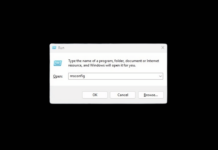
4 Ways to Open MSConfig in Windows 11
You can do several things with MSCONFIG; you can find which apps run at startup and enable/disable them accordingly, perform a clean boot, change...

How to Activate Tamper Protection in Windows 11
Tamper Protection is a Windows Security feature that prevents malicious apps from changing Windows Security settings. If your PC has recently been infected, a malicious...

15 Best VPNs For Windows 11
VPN(Virtual Private Network) is one of the best tools for computer security. VPNs are beneficial because they encrypt your incoming and outgoing traffic. However,...

How to Create Full System Backup of Your Windows 11 PC
You can create a full system backup to secure your important files on Windows 11. In this way, whenever your system encounters a problem,...
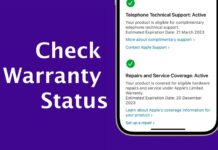
How to Check iPhone Warranty Status
Checking the iPhone Warranty Status will help you troubleshoot, upgrade your device, and more. Also, if your iPhone malfunctions during its warranty period, you...
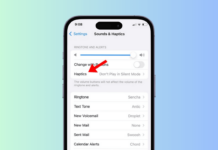
How to Turn Off Vibration on iPhone
Your iPhone vibrates whenever it receives a call, SMS, Notification, and more. System Haptics and keyboard feedback also make your iPhone vibrate whenever you...

7 Best Methods to Fix Undoing Changes Made to Your PC
The 'Undoing Changes Made to your computer' screen is not an error. Still, it can put your computer into a boot loop, preventing you...